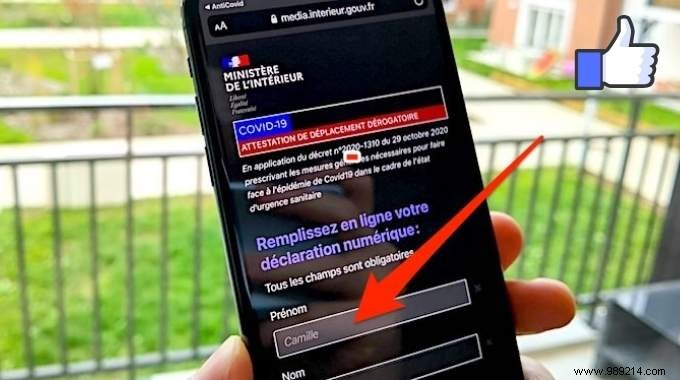
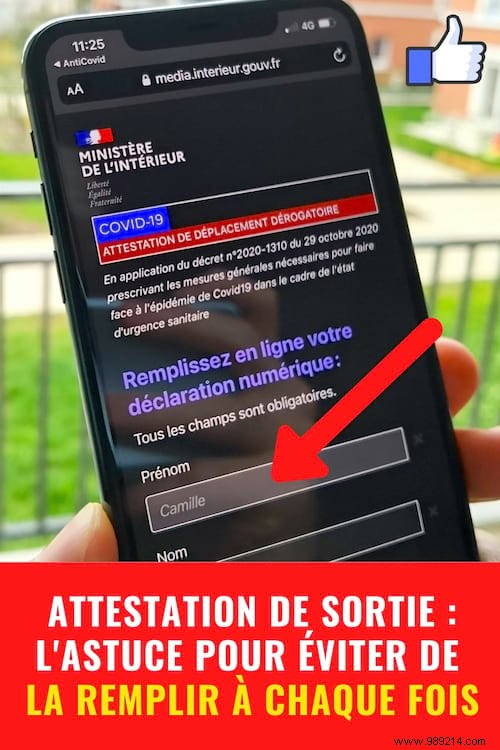
During France's reconfinement, an exit certificate was required for essential outings like buying bread or groceries.
Manually entering your surname, first name, address, date and place of birth, city, and postcode each time is tedious—especially when rushed.
Fortunately, the official TousAntiCovid app offers a simple way to auto-fill your travel certificate with one click. Here's how, based on verified user experiences and official guidance.
1. Download the TousAntiCovid app from the App Store (iPhone) or Google Play (Android).
2. Launch the app and tap "I want to participate", "Continue", "Accept", "Allow", and "Noted".
3. Scroll to the bottom and select "Travel certificate".
4. For the first certificate, complete all fields: surname, first name, address, date of birth, place of birth, city, and postal code.
5. Check "Save my data" and tap "I certify" to generate it.
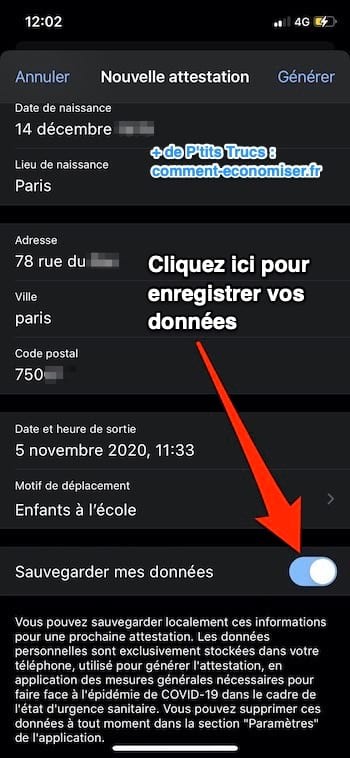
6. Future certificates will auto-populate—no re-entry needed!
That's it: generate certificates in seconds effortlessly. Faster than browser forms, no printing required, and it saves time daily during restrictions.
Stay within 1 km of home; check your limit here.
Generate one-click certificates for these 9 valid reasons:
- Work (add employer travel proof here).
- School drop-off (use stamped school proof or pre-filled parent certificate, valid entire confinement).
- Shopping
- Compelling family reasons or disability
- Medical appointments
- Brief exercise under 1 km (check distance).
- Judicial/administrative summons
- General interest missions
Source: MidiLibre
Skip the app: Use the official online form and check "My phone remembers me" at the bottom. Personal details auto-fill next time—just add reason and time. Details here.
